

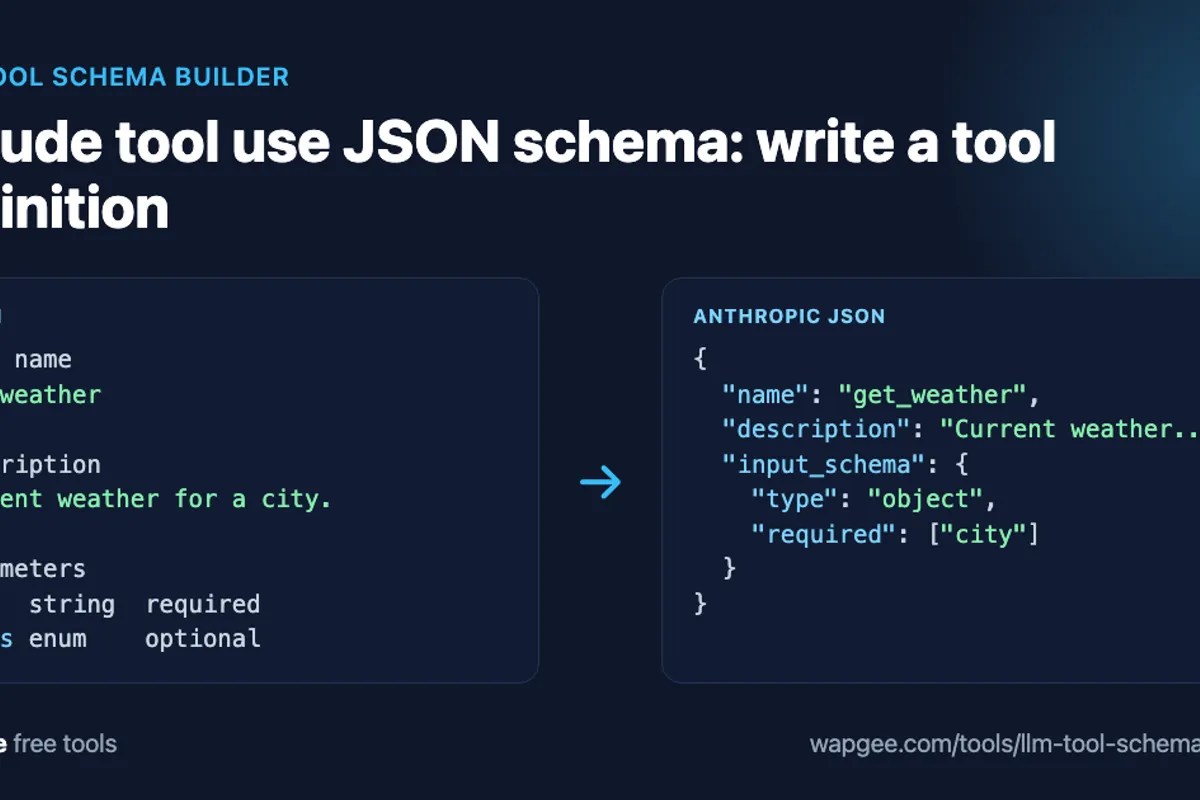
When you give Claude a tool, Claude does not run your code. It decides whether a tool is needed and returns a structured request with the tool name and arguments. Your application runs the real function and sends the result back.
What Claude sees is the tool definition, a Claude tool use JSON schema, and writing it by hand is fiddly. The free LLM Tool and Function Schema Builder turns a short form (name, description, parameters, required fields, allowed values) into the exact JSON Anthropic expects, and into the OpenAI and raw JSON Schema formats from the same form.
What tool use actually means
Tool use draws a line between the model and your application. Claude receives a list of tools. If the user asks "What is the weather in Oslo?", Claude can answer with a request like this instead of text:
{
  "name": "get_weather",
  "input": {
    "city": "Oslo"
  }
}
Your application receives that, calls the weather API, and returns the result. The model chooses and describes the call. Your code owns the execution.
The shape of a Claude tool use JSON schema
A Claude tool use JSON schema has three fields that matter, as Anthropic's tool use documentation describes: name, description and input_schema.
{
  "name": "get_weather",
  "description": "Current weather for a city. Use when the user asks about conditions now, not forecasts.",
  "input_schema": {
    "type": "object",
    "properties": {
      "city": {
        "type": "string",
        "description": "City name, e.g. \"Oslo\""
      },
      "units": {
        "type": "string",
        "enum": [
          "celsius",
          "fahrenheit"
        ]
      }
    },
    "required": [
      "city"
    ]
  }
}
name
Use a name that describes the action, such as get_weather, never tool1. Names are limited to letters, digits, underscores and hyphens, up to 64 characters, and the builder checks this for you.
description
The description is how Claude decides when to call the tool. Compare "Weather tool" with "Current weather for a city. Use when the user asks about conditions now, not forecasts." The second says what the tool does, when to use it and when not to. Aim for that.
input_schema
This is the JSON Schema part of a Claude tool use JSON schema, describing the arguments. Mark only the arguments the function truly cannot run without as required. If your code defaults to Celsius, units can stay optional. Use an enum for a closed set of values, so the model cannot invent metric or centigrade when you accept only celsius and fahrenheit.
Build a get_weather tool with the builder
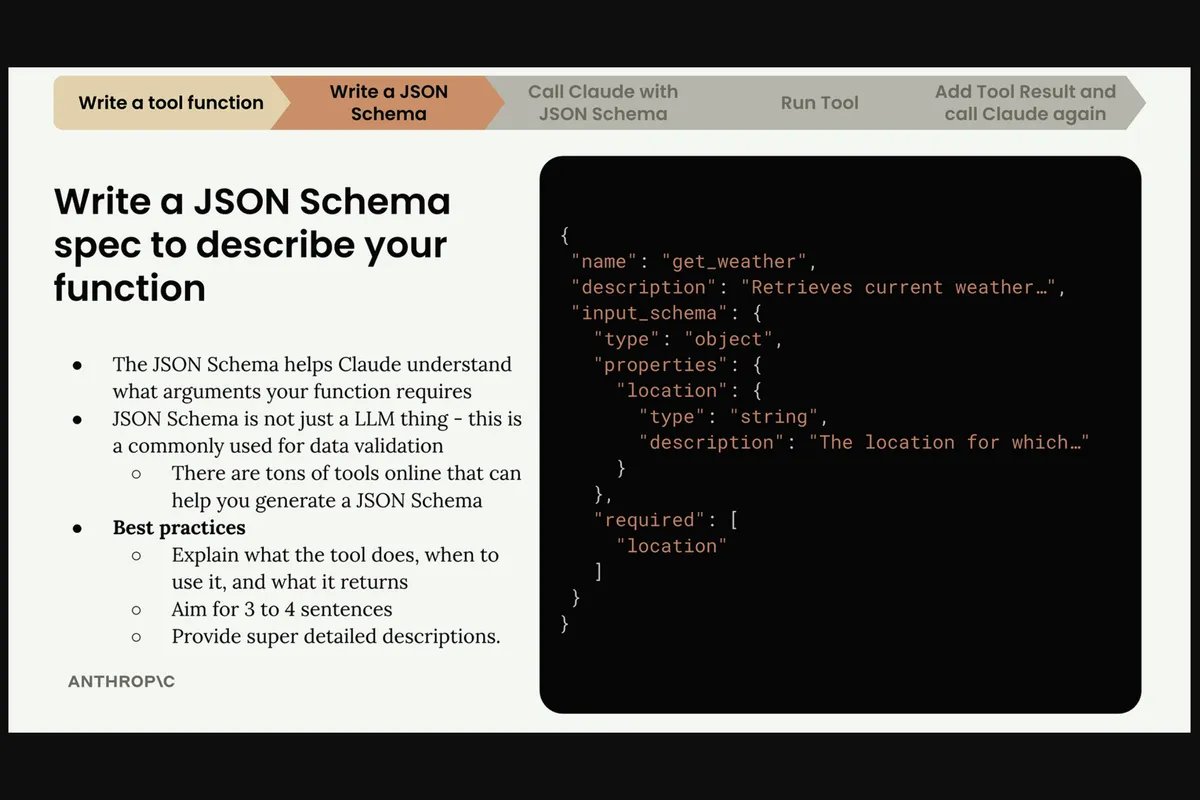
Open the builder and enter the tool name, the description, a required city string, and an optional units parameter with two allowed values. The Anthropic tab shows the JSON above as you type. Copy it into your request.
The builder also warns about the mistakes that cause poor tool calls: a missing name, a parameter called data, input or value, a parameter with no description, and an enum with no values. It supports up to 50 parameters, and keeps your saved tools in your browser.
The OpenAI equivalent
The argument schema carries over, but the wrapper changes. The same form produces this for OpenAI function calling:
{
  "type": "function",
  "function": {
    "name": "get_weather",
    "description": "Current weather for a city. Use when the user asks about conditions now, not forecasts.",
    "parameters": {
      "type": "object",
      "properties": {
        "city": {
          "type": "string",
          "description": "City name, e.g. \"Oslo\""
        },
        "units": {
          "type": "string",
          "enum": [
            "celsius",
            "fahrenheit"
          ]
        }
      },
      "required": [
        "city"
      ]
    }
  }
}
Claude uses input_schema at the top level. OpenAI nests the schema under function.parameters. The builder keeps one definition and generates both, so you do not rewrite it when you switch providers.
Write descriptions the model can act on
Short descriptions are the most common mistake. A tool named search with the description "Search" could mean products, users, documents or the web. A better version names the scope and the boundary:
{
  "name": "search_products",
  "description": "Search the product catalog by name or category. Use when the user wants to find products. Do not use for order history or account information."
}
A good description covers what the tool does, when to call it, when not to, and what it returns. Give parameters descriptions too, such as "Date to search, in YYYY-MM-DD format", and use the right type: an integer for a count, not a string. If a function needs many unrelated inputs, split it into several focused tools.
Wire the definition into Claude
Pass your Claude tool use JSON schema in the tools list of a Messages API request:
import anthropic

client = anthropic.Anthropic()

tools = [
    {
        "name": "get_weather",
        "description": "Current weather for a city. Use when the user asks about conditions now, not forecasts.",
        "input_schema": {
            "type": "object",
            "properties": {
                "city": {"type": "string", "description": "City name, e.g. \"Oslo\""},
                "units": {"type": "string", "enum": ["celsius", "fahrenheit"]},
            },
            "required": ["city"],
        },
    }
]

response = client.messages.create(
    model="claude-sonnet-5-5",
    max_tokens=1024,
    tools=tools,
    messages=[{"role": "user", "content": "What is the weather in Oslo?"}],
)
If Claude decides to use the tool, the response contains a tool_use block with the arguments. You run your function, then send a tool_result message back so Claude can write the final answer.
A checklist before you ship
Give the tool a clear verb-first name.
Describe what it does, when to call it, and when not to.
Pick the right type for every parameter, and name parameters after what they hold, such as
user_idorstart_date.Mark only the genuinely required fields as required.
Use enums for closed sets of values.
Generate the provider-specific JSON instead of retyping it.
Test with real user messages, including ones that should not trigger the tool.
The last step matters most. A Claude tool use JSON schema can be valid JSON Schema and still be vague enough that Claude calls it at the wrong time. Treat the description as prompt text and iterate on it.
Why in the browser matters
Tool definitions often reveal internal function names and data shapes. The builder runs in your browser, and the schemas you type are not uploaded. Saved tools live in your browser's local storage.
Check what your tools cost
Every tool definition is sent as input on every request, so a large tool set raises the bill. Paste the generated JSON into the Token Counter to see what it adds, and read how to count tokens for a Claude prompt and estimate the API cost for the full workflow. If you also want typed validation of the arguments the model sends back, the JSON Schema to TypeScript and Zod converter turns the same input_schema into a Zod schema, as covered in JSON Schema to Zod and TypeScript types.
FAQ
Can I reuse a Claude tool use JSON schema for OpenAI?
The JSON Schema for the arguments can be shared. The outer envelope differs: input_schema for Claude, function.parameters for OpenAI.
Should enums go in the schema or the description?
Put the allowed values in the schema with enum, and explain what they mean in the description.
Does the model execute my function?
No. The model returns a structured request. Your application executes it and returns the result.
How many tools should I pass?
Keep the set focused. Many overlapping tools make selection harder and add input tokens to every request.
Ready to try it? Open the LLM Tool and Function Schema Builder, build your tool, and copy the Claude or OpenAI format.
Comments
No comments yet. Be the first.