

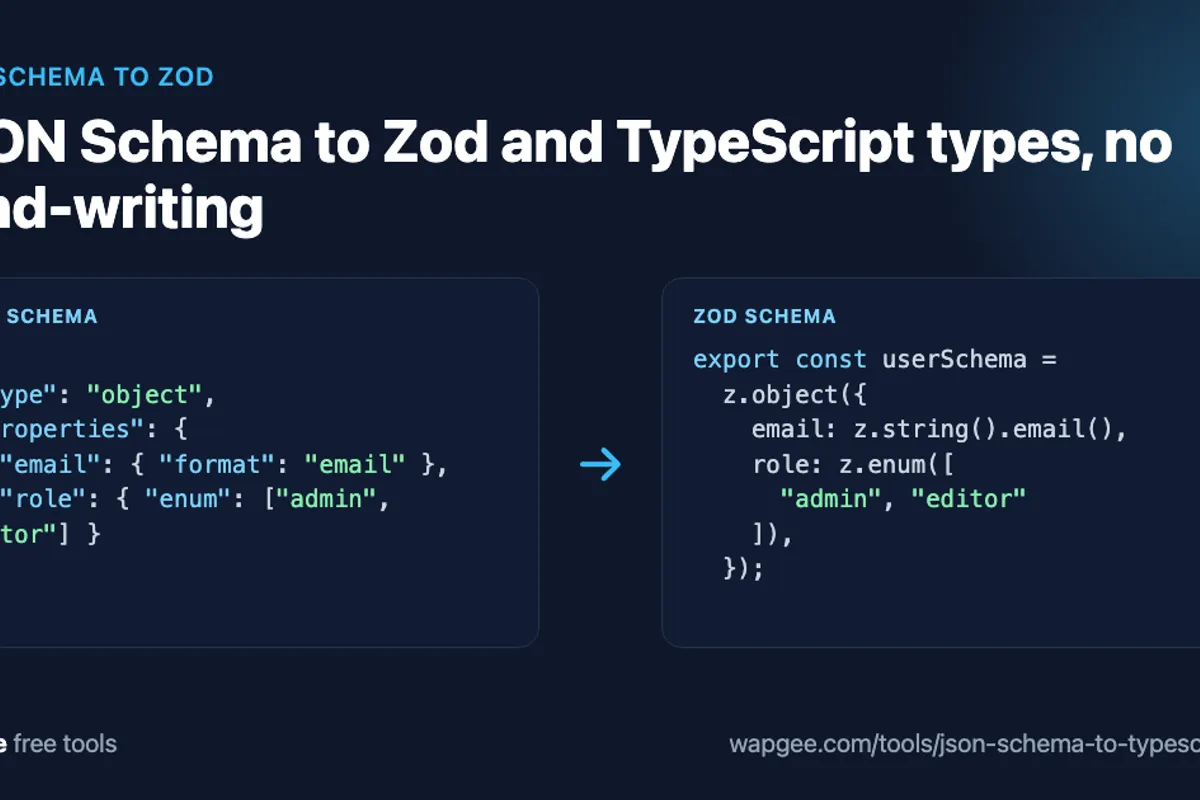
If your API already has a JSON Schema, you usually need two more things from it: runtime validation for incoming data and TypeScript types for your code. Writing both by hand gives you three definitions that drift apart.
The free JSON Schema to Zod converter generates a Zod schema and the matching TypeScript type from one schema. Paste the JSON Schema, copy the output, and review it before it goes into your project.
Why convert JSON Schema to Zod
JSON Schema is a language-independent way to describe JSON: which fields exist, which are required, which values are allowed. Zod is a TypeScript-first library that validates data at runtime and infers static types from the same definition.
An API might publish its contract as JSON Schema while your Next.js app needs Zod to check a request body. JSON Schema to Zod conversion gives you a starting point from the contract instead of a second hand-written copy. Both JSON Schema and Zod are well documented, so reviewing the output is easy.
A realistic JSON Schema example
To try JSON Schema to Zod conversion, take a user object with a nested address, an enum for the role and an optional array of tags:
{
  "type": "object",
  "properties": {
    "id": {
      "type": "string"
    },
    "name": {
      "type": "string"
    },
    "email": {
      "type": "string",
      "format": "email"
    },
    "role": {
      "type": "string",
      "enum": [
        "admin",
        "editor",
        "viewer"
      ]
    },
    "address": {
      "type": "object",
      "properties": {
        "city": {
          "type": "string"
        },
        "country": {
          "type": "string"
        }
      },
      "required": [
        "city",
        "country"
      ]
    },
    "tags": {
      "type": "array",
      "items": {
        "type": "string"
      }
    }
  },
  "required": [
    "id",
    "name",
    "email",
    "role",
    "address"
  ]
}
The generated Zod schema
Pasted into the converter with the root name User, the Zod output is:
import { z } from "zod";

export const userSchema = z.object({
  id: z.string(),
  name: z.string(),
  email: z.string().email(),
  role: z.enum(["admin", "editor", "viewer"]),
  address: z.object({
  city: z.string(),
  country: z.string(),
}),
  tags: z.array(z.string()).optional(),
});
This validates unknown data. Pass a request body to userSchema.safeParse() and you get either typed data or a list of problems. Note that the nested object is not re-indented by the tool, so run your formatter on the result.
The generated TypeScript type
The same schema also produces a plain type:
export type User = {
  id: string;
  name: string;
  email: string;
  role: "admin" | "editor" | "viewer";
  address: {
  city: string;
  country: string;
};
  tags?: string[];
};
The tool adds a short header comment to this output, omitted here, reminding you that numeric, string and array bounds such as minLength are enforced in Zod only. TypeScript types cannot express them.
How JSON Schema maps to Zod
{ "type": "string" }becomesz.string(), and a known format such asemailbecomesz.string().email().numberbecomesz.number()andintegeradds.int(). Minimum and maximum constraints become Zod methods.A string
enumbecomesz.enum([...])in Zod and a union of literals in TypeScript.The
requiredarray decides optionality. Anything not listed becomes.optional()in Zod and?in TypeScript, astagsshows above.
Getting required versus optional right is the most important part of a conversion, because it decides whether a missing field is an error.
Constraints, descriptions and nullable fields
The converter carries constraints across where Zod has a direct method. minLength and maxLength on strings, minimum and maximum on numbers, and minItems and maxItems on arrays become .min() and .max(). A schema description becomes .describe(), a const becomes z.literal(), allOf becomes .and(), and nullable: true becomes .nullable().
Recursive schemas, such as a tree where a node contains child nodes, use z.lazy() so the schema can refer to itself. These are the places where a quick read of the output pays off, because they are also where generated code and your intent are most likely to diverge.
additionalProperties, $ref and unions
These are the keywords that need a second look. Extend the example with "additionalProperties": false, a $ref to a shared Address definition under $defs, and a property that is anyOf a string or a number. The converter produces:
export const addressSchema = z.object({
  city: z.string().optional(),
});
export const userSchema = z.object({
  id: z.string(),
  // ...fields as before...
  shipping: addressSchema.optional(),
  v: z.union([z.string(), z.number()]).optional(),
}).strict();

export type User = z.infer<typeof userSchema>;
additionalProperties: falsebecomes.strict(), so unknown keys fail validation.An internal
$refbecomes its own named schema, hereaddressSchema, referenced where it is used.anyOfbecomesz.union([...]).The
z.inferline comes from the converter's option to append an inferred type.
Not everything has a Zod equivalent. External $ref values, if/then/else, patternProperties and not are ignored, with a notice. If your schema leans on them, expect to hand-write that part. Complex oneOf schemas also deserve a careful read, because exactly-one-of semantics do not map perfectly to a union.
Use z.infer instead of a second type
Once you have the Zod schema, you can derive the static type from it instead of keeping the generated type file:
type User = z.infer<typeof userSchema>;Now validation and typing come from one definition. TypeScript alone cannot validate untrusted input: const body: User = await request.json() only asserts a type, it checks nothing.
Validate a request body in a Next.js route
import { NextResponse } from "next/server";
import { userSchema } from "@/schemas/user";

export async function POST(request: Request) {
  const body = await request.json();
  const result = userSchema.safeParse(body);

  if (!result.success) {
    return NextResponse.json({ error: "Invalid request body" }, { status: 400 });
  }

  return NextResponse.json({ user: result.data });
}
After safeParse succeeds, result.data is typed from the schema.
Regenerate or hand-edit?
Decide which schema is the source of truth. If the JSON Schema changes regularly, run JSON Schema to Zod again each time, regenerate and keep the generated file untouched, with a comment saying so. Put your business rules, such as requiring a company email domain, in a separate Zod layer that wraps it. Hand-edit only when the schema uses features the converter ignores, or you need custom error messages.
Which Zod version does it target
The output uses Zod 4-style APIs such as z.object, .strict, z.lazy and z.infer. If your project pins an older major version, check the imports and adjust.
Why in the browser matters
Schemas can describe internal data models. The converter parses and generates code in your browser, and nothing is uploaded. The last input and options are kept in your browser's local storage so a refresh does not wipe your work. Follow your organisation's rules for sensitive schemas regardless.
FAQ
Which JSON Schema drafts are supported?
The common draft-07 subset, and 2020-12 documents are tolerated. It handles objects, arrays, enums, const, oneOf, anyOf, allOf, nullable, formats, constraints and internal references.
Is JSON Schema to Zod conversion lossless?
Not always. Keywords with no Zod equivalent are ignored with a notice, and exactly-one-of rules can behave differently, so read the output once.
Can I convert Zod back to JSON Schema?
Libraries exist for that, but not every Zod feature has a JSON Schema equivalent, so results depend on what you use.
Should I edit generated Zod code by hand?
Treat it as generated. Keep custom rules in a separate file so regeneration does not overwrite them.
This pairs well with LLM work. The tool definition you write for Claude is a JSON Schema, so the same converter can validate the arguments the model sends back. If you are preparing sample data, CSV to JSON covers turning spreadsheets into fixtures you can check against the schema. Run JSON Schema to Zod on your own schema with the JSON Schema to TypeScript and Zod converter, or the LLM Tool Schema Builder if you need to produce one.
Comments
No comments yet. Be the first.